What is ssl mail? A Clear Guide to How Email Encryption Shields Your Inbox
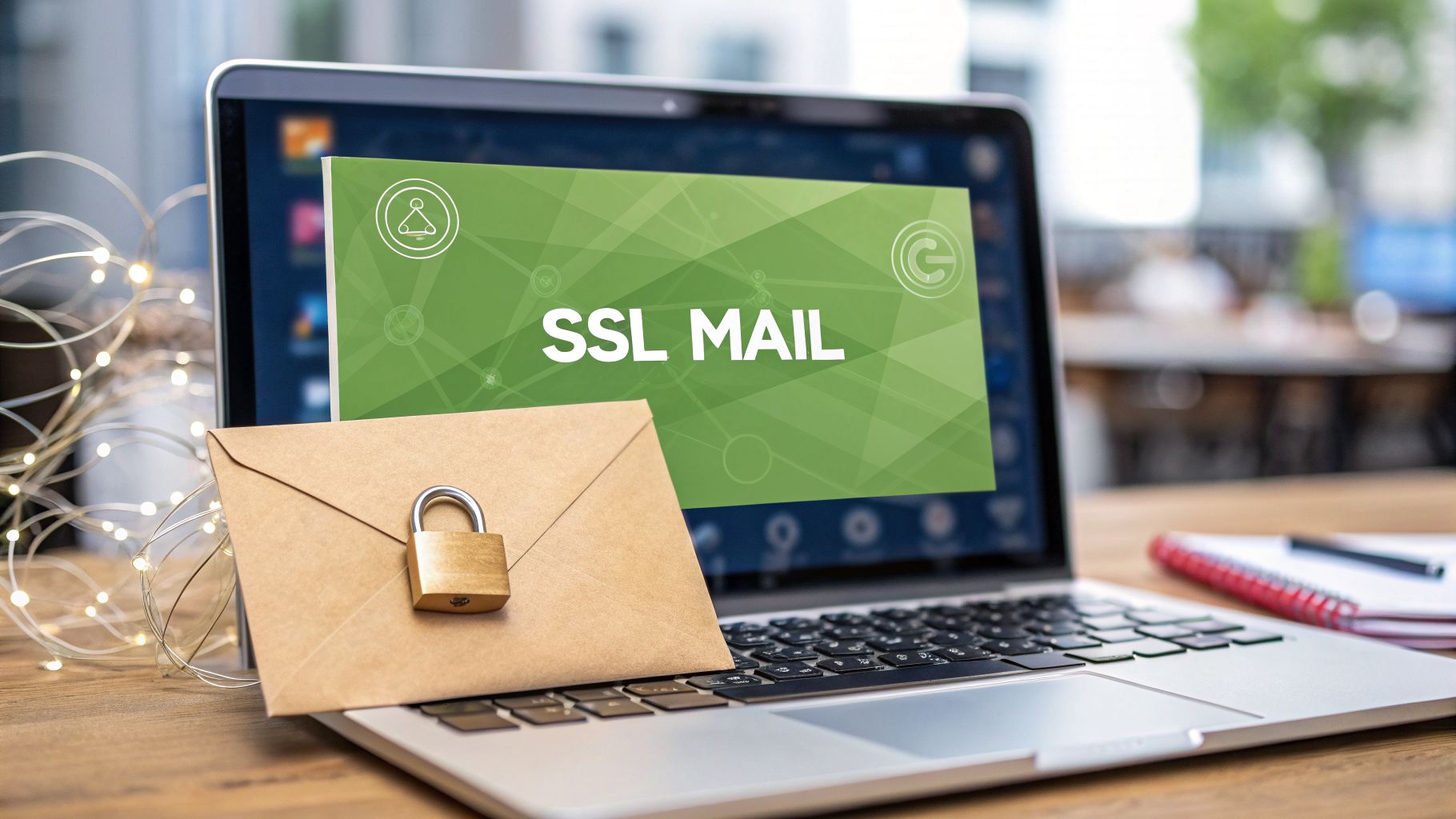
When you hear the term "SSL mail," what should come to mind is one thing: email security. It’s the difference between sending your private thoughts on a postcard for anyone to read, versus sealing them in a letter and sending them via an armoured truck.
SSL mail is all about making sure no one can snoop on your messages as they travel across the internet. It is a fundamental component of email privacy and a non-negotiable feature of any secure hosted email platform.
What Is SSL Mail and How Does It Protect You?

If you send an email without any encryption, you’re sending it in plain text. Everything from your login details to the actual message is wide open, creating a massive email security risk. This makes it alarmingly easy for hackers, internet providers, or other prying eyes to intercept and read your private communications. This is exactly why SSL mail is such a crucial first line of defence for your email privacy.
The technology behind it, Secure Sockets Layer (SSL), creates a secure, encrypted tunnel between your email client (like Outlook or Apple Mail) and the email server. This tunnel prevents anyone from eavesdropping on your communication while it's in transit.
Imagine trying to have a private conversation by shouting across a crowded room—that’s standard, unencrypted email. Now, picture stepping into a private, soundproof booth where only you and the person you're talking to can hear. That’s SSL mail, a cornerstone of email security.
The Modern Standard: TLS
Here's a little secret: while everyone still says "SSL mail," the technology we actually use today is more modern and secure. It’s called TLS (Transport Layer Security).
The original SSL protocol has known security holes and is now considered obsolete. TLS is its direct successor, but the old "SSL" name just stuck around. So, when you’re setting up "SSL mail" today, you're almost certainly using the much stronger TLS protocol.
This encryption is what secures the core protocols that make email work. To help you see how this fits together, here’s a quick reference table showing the standard email protocols and their secure, encrypted counterparts.
Email Protocols and Their Secure Versions
This table breaks down the common protocols for sending and receiving email, showing you the difference between their standard (insecure) ports and the secure ports that use SSL/TLS encryption.
| Protocol | Standard Port (Insecure) | Secure Port (SSL/TLS) | Purpose |
|---|---|---|---|
| SMTP | 25, 587 (unencrypted) | 465 | Sending email from your client to a server. |
| IMAP | 143 | 993 | Retrieving email from a server to your client. |
| POP3 | 110 | 995 | Downloading email from a server to a client. |
Using the secure ports ensures that your connection is encrypted, protecting your data and email privacy from interception as it travels across the internet.
By wrapping these protocols—IMAP, POP3, and SMTP—in a layer of TLS encryption, your email platform protects every message the moment you hit send. This foundational security is vital, and you can learn more about how these secure email protocols are essential for email security in our detailed guide.
In Canada, government bodies and security experts recognise this as a fundamental best practice. The Government of Canada, for instance, notes that its own websites use this type of encryption to create a secure connection, making it a widely available standard for protecting data in transit. You can find more details in their guide to email security best practices from the Government of Canada.
How the SSL and TLS Handshake Secures Your Connection
So, what's the secret sauce that makes what is SSL mail actually secure? It all comes down to something called the SSL/TLS handshake. Think of it as a complex, secret greeting that your email app and the mail server perform in the blink of an eye. This isn't just a simple "hello"; it's a rapid-fire negotiation to set up a completely private communication channel, forming the bedrock of email security.
Before a single word of your email travels across the internet, this handshake accomplishes two critical goals. First, it proves the server you're connecting to is the real deal and not some imposter trying to snoop on your messages. Second, it lets your app and the server jointly create a one-time-use secret code—a "session key"—to scramble all the data for that specific connection, safeguarding your email privacy.
The Handshake: A Secret Digital Greeting
This entire back-and-forth is designed to build trust before any of your personal information is exchanged. It all happens in a few key steps.
- Client Hello: Your email client kicks things off. It sends a "hello" message to the server, listing the types of encryption it can handle (these are called cipher suites).
- Server Hello & Certificate: The server replies, "hello back," and picks the strongest encryption method they both support. Crucially, it then presents its SSL certificate—its official, verified ID.
- Verification: Your email client acts like a detective, examining the certificate. It checks that the certificate is valid and was issued by a trusted authority, not forged. This step is what shuts down "man-in-the-middle" attacks, a major threat to email security.
- Creating the Secret Key: With identities confirmed, the client and server use some clever cryptographic footwork to generate a unique, temporary secret key. This is the key that will encrypt and decrypt your email data for the rest of the session.
If you're curious about the technical magic behind creating that key, our article on symmetric and asymmetric key encryption in email breaks down the underlying principles.
Upgrading to a Secure Connection with STARTTLS
What if a connection doesn't start out secure? In some cases, your email app might first connect to a standard, unencrypted port. This is where a command called STARTTLS comes into play. It essentially asks the server, "Hey, can we make this conversation private?"
If the server agrees, the STARTTLS command triggers the exact same TLS handshake we just walked through. In an instant, the open connection is "upgraded" into a fully encrypted one. You get the same robust security without having to connect to a different, dedicated secure port from the very beginning.
The bottom line is that this handshake process is the foundation of your email security. It's what guarantees you're talking to the right server and creates the unbreakable code that shields your private communications from prying eyes.
This is also why older versions of SSL are no longer safe to use. Modern standards like TLS 1.2 and 1.3 use far more powerful encryption. A quality, privacy-focused hosted email platform will enforce these latest TLS standards by default, making sure every single handshake is as strong as it can possibly be.
The Real-World Threats SSL Mail Defends Against
So, we've talked about the mechanics of SSL mail, but why is it so critical for your email security? The short answer is that it tackles some very real and common threats head-on. It’s what turns your email from an open postcard that anyone can read into a securely sealed, private letter.
The most classic and dangerous threat it neutralizes is the man-in-the-middle (MITM) attack.
Picture this: you're at a local coffee shop, connected to the public Wi-Fi and about to send a sensitive business proposal. A hacker on that same network can quietly place themselves between your laptop and the router. From there, they can intercept every bit of data you send—including your email password and the entire contents of your message.
Without SSL/TLS encryption, your data is an open book. But with it, all the attacker sees is a jumble of scrambled, meaningless text. That encryption forms a protective tunnel, making your private information completely useless to anyone snooping around and upholding your email privacy.
Guarding Against Data Mining and Surveillance
Hackers aren't the only ones interested in your emails. Another, more widespread email privacy threat often comes from the email providers themselves. Many "free" email services fund their business by scanning your messages for keywords to build a detailed advertising profile on you. Every email you send or receive gets catalogued and analyzed.
This is where choosing a secure, privacy-focused hosted email platform really shines. By simply enforcing SSL/TLS for all connections, they create a fundamental layer of email security against outside snoops.
When your provider also commits to a zero-data-mining policy, you get the best of both worlds. The SSL/TLS tunnel protects your email from outside interception, while the provider’s privacy policy protects it from internal surveillance, ensuring true email privacy.
This whole process kicks off with a simple but critical "handshake" between your email client and the server.

This handshake is the crucial first step. It makes sure a secure channel is established before any of your actual data starts flowing.
Ensuring Compliance and Confidentiality
For businesses and even individuals in Canada, keeping email confidential isn't just good practice—it's often a legal requirement under privacy laws like PIPEDA. Using a hosted email platform that mandates modern SSL/TLS encryption is a huge step toward meeting those standards. This is more important than ever, with Statistics Canada reporting that 70% of Canadians experienced at least one cybersecurity incident in 2022.
The Canadian Centre for Cyber Security explicitly warns that older versions of SSL are no longer secure, stressing the need for the latest TLS protocols to protect sensitive information. A provider like Typewire builds on this foundation, combining mandatory TLS with end-to-end encryption options and Vancouver-based data residency to ensure your messages stay confidential. You can read more on these email security best practices from the Government of Canada.
Ultimately, SSL mail is about peace of mind. It ensures your personal chats, business deals, and financial information remain exactly as they should be: private.
How to Check and Enable SSL or TLS on Your Devices

Taking control of your email privacy really comes down to making sure your devices are set up correctly. It might sound technical, but checking that you're using SSL mail is usually just a matter of digging into the settings of your email app, whether that's Outlook, Apple Mail, or Thunderbird.
Most modern email clients automatically detect and apply the most secure settings for you. Still, it’s always a good idea to double-check their work to ensure your email security is properly configured. You’ll need to find your email account’s server settings, which are often buried in a menu labelled "Advanced" or "Server Settings."
Finding Your Server Settings
Once you’re in there, you're looking for the settings for your incoming (IMAP or POP3) and outgoing (SMTP) mail servers. Your goal is to confirm that SSL/TLS is enabled and that you’re using the right port numbers for a secure connection.
For instance, a secure IMAP connection should always use port 993 with SSL/TLS turned on. For your outgoing mail, a secure SMTP server will use port 465 (with SSL/TLS) or 587 (with STARTTLS). If you spot insecure ports like 143 (IMAP) or 25 (SMTP) being used without any encryption, your connection is wide open.
Think of it this way: verifying your settings is like making sure the armoured truck is actually locked before it drives off. If SSL/TLS is disabled, you’re sending all your private information—including your password—in the clear, creating a massive email security vulnerability.
Of course, things can sometimes go wrong during setup. If you run into trouble, knowing how to troubleshoot 'cannot connect using SSL' errors can save you a lot of headache by helping you figure out what's causing the issue.
The Advantage of Secure-First Providers
This whole setup process is where privacy-focused hosted email platforms really shine. Instead of making you hunt for the right settings, providers like Typewire give you crystal-clear, step-by-step guides with the exact information you need for any device.
Because they build their platforms with email security and email privacy as core principles, their services are secure by default. They configure their servers to only accept encrypted connections, making it almost impossible for you to set up your email client insecurely by accident. It's a simple, effective approach that makes top-tier privacy accessible to everyone, not just the tech experts.
Why Your Hosted Email Platform Is Key to Security
While setting up your email client correctly is important, the real foundation of your email security lies with your provider. Think of it this way: you can install the best lock money can buy on your apartment door, but it won't matter much if the building itself has flimsy walls and no front-desk security.
Your hosted email platform is that building. Its core architecture and privacy policies determine just how secure your communications can ever be.
That’s why your choice of provider is so critical if you're serious about email privacy. When a service runs its entire operation on a massive public cloud (like Amazon AWS or Google Cloud), your data is ultimately governed by that third party's policies and exposed to its vulnerabilities. On the other hand, a provider that owns and operates its own hardware on private infrastructure gives you a completely different level of security.
The Power of a Private Infrastructure
When an email provider owns its servers, network, and data centre, it can make a simple but powerful promise: your data never leaves its ecosystem. This isn't just about better performance; it's about building a digital fortress around your information.
For example, a service like Typewire, which runs on its own private hardware stack in Vancouver, ensures your data stays protected under Canadian privacy laws like PIPEDA. This independence means your emails aren't being routed through or stored in countries with weaker privacy standards. You get genuine data sovereignty and stronger email security.
Your choice of a hosted email platform is the single most important decision for your email security. When a provider controls its own infrastructure in a privacy-friendly jurisdiction, security is built-in from the ground up, not just added on top of someone else's cloud.
This control touches every aspect of security. We know that robust SSL/TLS is non-negotiable, especially when 7.4% of Canadian firms report a lack of resources as a barrier to improving their cybersecurity. As detailed in StatCan's data privacy analysis, having a provider that handles the heavy lifting is essential. By owning its infrastructure, a service can enforce mandatory SSL/TLS encryption across the board, securing every message without you having to second-guess the settings.
An Integrated Security Ecosystem
A truly secure hosted email platform offers more than just encrypted connections; it delivers an entire ecosystem designed to protect you from modern threats. This creates multiple layers of defence for your email privacy.
A privacy-first platform typically bundles these protections together:
- Mandatory SSL/TLS Encryption: All connections—incoming and outgoing—are encrypted by default. This eliminates the risk of misconfiguration and ensures no email ever travels in the clear.
- Advanced Threat Filtering: Smart, automated systems scan for and block spam, viruses, and phishing schemes before they have a chance to land in your inbox.
- Automatic Tracker Blocking: Hidden spy pixels and other tracking methods embedded in marketing emails are stripped out automatically, preventing senders from knowing when or where you opened their message.
By integrating these features, a provider shifts the security burden off your shoulders. You don't have to be a tech expert to stay safe. If you want to dig deeper into what makes a provider truly secure, our guide to secure email hosting breaks down exactly what to look for.
Common Questions About SSL Mail and Email Privacy
Once you start looking into what is SSL mail, a few common questions always seem to surface. Getting clear on the answers is key to really understanding modern email security and what genuine email privacy looks like.
Let's walk through some of the most frequent sticking points, starting with the biggest one: the confusion between securing the connection and securing the message itself.
Is SSL Mail the Same as End-to-End Encryption?
That's a great question, and the answer is no—but they are both critical pieces of the email security puzzle.
Think of SSL/TLS as the armoured truck that moves your mail between post offices. It encrypts the connection between your email client and the server, making sure no one can spy on your messages while they're in transit.
End-to-end encryption (E2EE), on the other hand, is like writing your letter in a secret code that only you and your recipient know how to read. The message itself is scrambled, so even your email provider can't peek at the contents.
Both are essential for truly private communication. SSL mail protects the conversation from being intercepted on its journey, while E2EE protects the content of the message itself, even from the servers handling it. They are two different tools that solve two different email security challenges.
What Happens If I Don’t Use SSL for My Email?
Connecting to your email without SSL/TLS is a massive, and frankly, unnecessary risk. Every single thing you send and receive—your login details, your attachments, the full body of every message—travels in plain text.
It’s the digital version of sending a postcard. Anyone with a foothold on the network can read it all.
This is especially dangerous on public Wi-Fi at a café, airport, or hotel. A snooper on the same network could easily grab your password and gain complete access to your account. It's one of the biggest and most avoidable holes in email security.
Thankfully, most reputable hosted email platforms and modern apps make it very difficult to connect without encryption today. Still, it's always worth double-checking that your settings are secure.
Can I Use SSL Mail with My Own Custom Domain?
Absolutely! In fact, you should consider it non-negotiable for any professional or business email. Any quality hosted email platform will provide seamless SSL/TLS security for your custom domain right out of the box.
When you set up an address like your.name@yourbusiness.ca, your provider handles all the heavy lifting. They manage the server-side SSL certificates and then provide you with simple, secure settings to use in your email client.
This way, you get a professional, branded email address without ever having to compromise on email privacy or security. It’s a huge advantage over trying to run your own mail server, where all that technical work would fall on you.
Are Free Email Services Secure?
This is where the conversation about email privacy gets more nuanced. On one hand, yes, most major free email services (like Gmail) use SSL/TLS to encrypt your connection. This gives you a solid baseline of protection against network eavesdropping, which is a great start.
However, their business model is often built on analyzing your email content to serve you ads and collect data. So, while SSL protects your emails from outside hackers, it doesn't protect them from your provider. For them, your data is the product.
In contrast, a privacy-focused hosted email platform provides the same robust SSL/TLS protection but operates on a fundamentally different philosophy. Their business is providing a private service, not mining your data. This means a strict no-data-mining policy, ensuring your conversations remain confidential from everyone—a cornerstone of true email privacy.
Ready to put true privacy at the core of your communications? Typewire offers a secure, Canadian-based email solution built on privately owned infrastructure. With mandatory SSL/TLS, automatic tracker blocking, and a strict no-data-mining promise, your email remains yours alone. Start your 7-day free trial and experience private email today at https://typewire.com.
The post What is ssl mail? A Clear Guide to How Email Encryption Shields Your Inbox appeared first on Typewire.
What is ssl mail? A Clear Guide to How Email Encryption Shields Your Inbox
Posted: 2026-03-17
How to Whitelist an Email Address (So You Stop Missing Messages)
Posted: 2026-10-06
Email Bounce Explained: Soft vs Hard Bounces & How to Fix Them
Posted: 2026-10-02
Which Secure Email Provider Fits Your Workflow? 10 Options by Use Case
Posted: 2026-09-29
Personal Data Privacy: Why Your Email Is the Master Key to Your Digital Life
Posted: 2026-09-24
Secure Email Gateway Guide: Do You Need One?
Posted: 2026-09-23
Average Email Deliverability Rate: 2026 Benchmarks
Posted: 2026-09-18
Phishing vs Spam: What’s the Difference?
Posted: 2026-09-15
PIPEDA vs GDPR Key Differences for Businesses
Posted: 2026-09-11